 ctxmenu
Backups and restore
Why a change cannot happen without one, and how to get back.
Every tool in this category promises to back up first. Here the promise is not a policy — it is a type.
The guarantee
The functions that change the registry all take a BackupToken as an argument.
The only way to obtain one is a successful export, and the token records which
keys it covers. Before a key is touched, the token is checked against that key.
Nothing enforces this at run time and nothing has to: a call without a token does not compile. "Never change without a backup" is therefore not a rule somebody has to remember while writing the next feature.
What that means in practice
A group action takes exactly one backup for the whole group. If the export fails for one key, that step is refused and reported instead of running unbacked — nine of ten things done silently is the failure this design exists to prevent.
Backing up on demand
The Back up button in the top bar makes a backup and changes nothing else. It covers the selected rows, or everything currently listed when nothing is selected.
Back Up Everything, on the Backups tab, takes along every location the program touches at all. On the machine this was measured on that is 1.2 MB and takes under a second.
Getting back
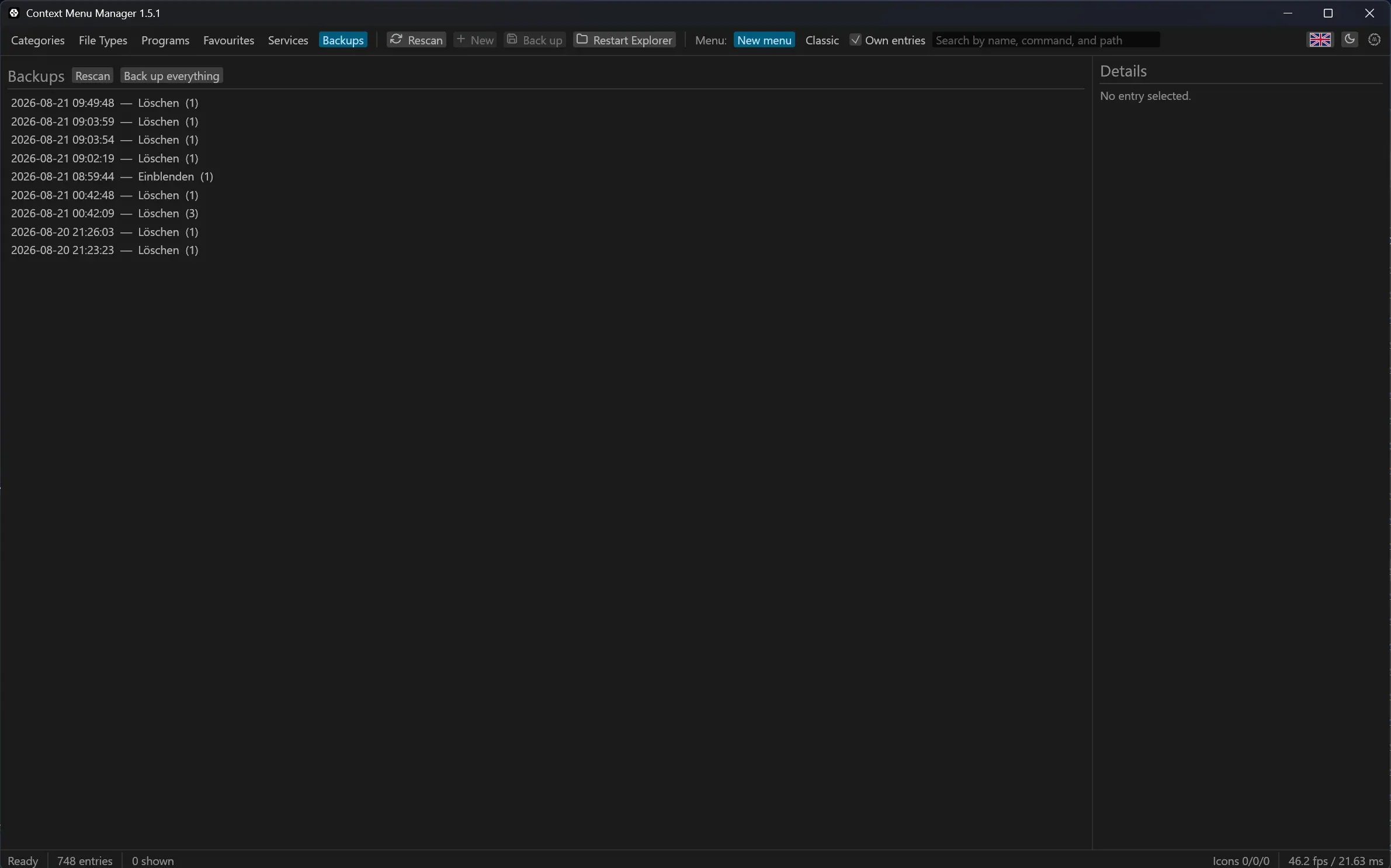
The Backups tab lists what was taken, when, and for which action. Restoring plays the export back into the registry.
What a restore can and cannot undo
reg import adds and overwrites; it never removes. Restoring after a delete
recreates exactly the keys that were removed. Restoring over a key that has
gained values since leaves those extra values in place. The one exception is a
key the backup found empty — that empty state is put back by removing the key
again.
Where the files are
Backups live under %LOCALAPPDATA%\ctxmenu\backups, one directory per action,
named with a timestamp down to the millisecond. Each holds the exported .reg
files and a manifest.json describing what was taken and why.
They are plain files. Nothing stops you from reading them, copying them
elsewhere, or importing one by hand with reg import.
Last updated